Numbers made visual, multilingual, and playful.
Numbers brings together numbers 1 to 20, alphabets, sound, and illustrated stories in seven languages, with simple interactions designed to make early learning feel approachable.
Android APK · approximately 563 MB · hosted on Google Drive
Numbers began as a small idea. It has grown into an Android app where children can explore numbers, alphabets, sounds, and illustrated stories at their own pace.
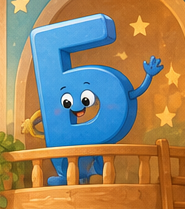
How Numbers came to be
This app is called Numbers because that is where it started. Kabbo wanted an app that would speak back all the numbers he could say, in all the languages he could say them. We began with one language, and that very quickly became seven.
We used his voice in the app. The giggle you hear and the wonderfully wild number pronunciations are all him. They make the app feel like ours in a way that polished, anonymous sound effects never could.
I have disliked coding for a long time, and I also really suck at it. When I had to code for a living, I hated every inch of my working day. I was glad to leave it behind. Then Kabbo became interested in technology in ways I could never have dreamed, and he started this project. Because he is a child, I had to supervise. Eventually, of course, he made me do all the work.
I made the app through an ongoing collaboration with Codex. Without Codex, I would be completely lost. It has taken much of the worry out of making a project like this, so I can focus on what Kabbo needs—and, very often, what he wants. I bring the purpose, the learning needs, the stories, and the decisions about how the experience should feel. Codex helps me turn those ideas into code, test the interactions, organize the content, and solve technical problems.
First Kabbo wanted more numbers. Then he wanted alphabets. Then he wanted his favourite stories. That is where the app is now. We are building it brick by brick: a mum-and-son duo, learning as we go.
Learning through numbers
The number activities cover 1 to 20 in seven languages. A child can see the numeral and its written name, hear how it is spoken, count the objects on the screen, and drag the correct number into its place.
The puzzle gives a gentle response when the answer is not right. There are no lives to lose, no countdown, and no harsh failure sound. The number simply returns so the child can try again. A correct answer brings encouraging words, sound, a small celebration, and a saved completion mark.
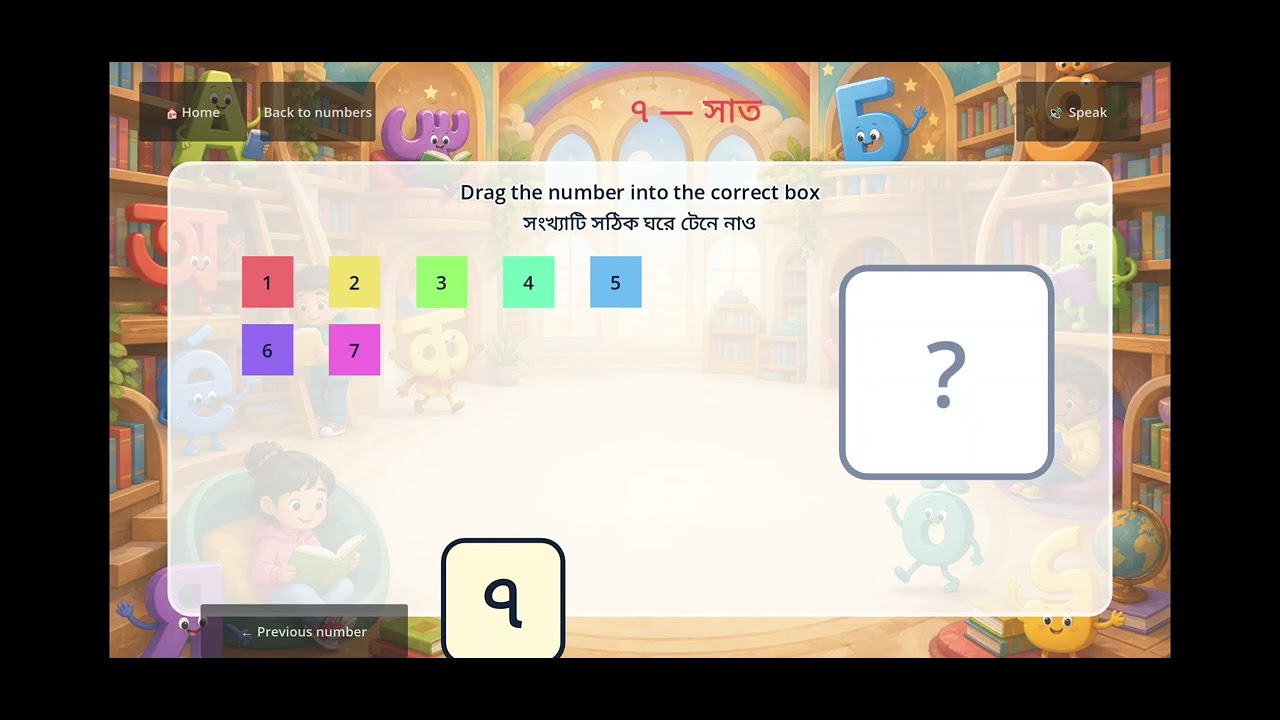
This part of the app includes:
- numbers 1–20, with numerals, words, and pronunciation support;
- visual counting objects;
- a drag-and-drop matching puzzle;
- recorded audio where it is available;
- device text-to-speech as a fallback;
- previous, next, home, and replay controls;
- progress saved on the device; and
- touch and mouse support.
Letters, scripts, and sounds
The alphabet area lets a child browse letters, open one letter at a time, see it at a large readable size, and listen to its sound or name. The child can move forward and backward without being rushed.
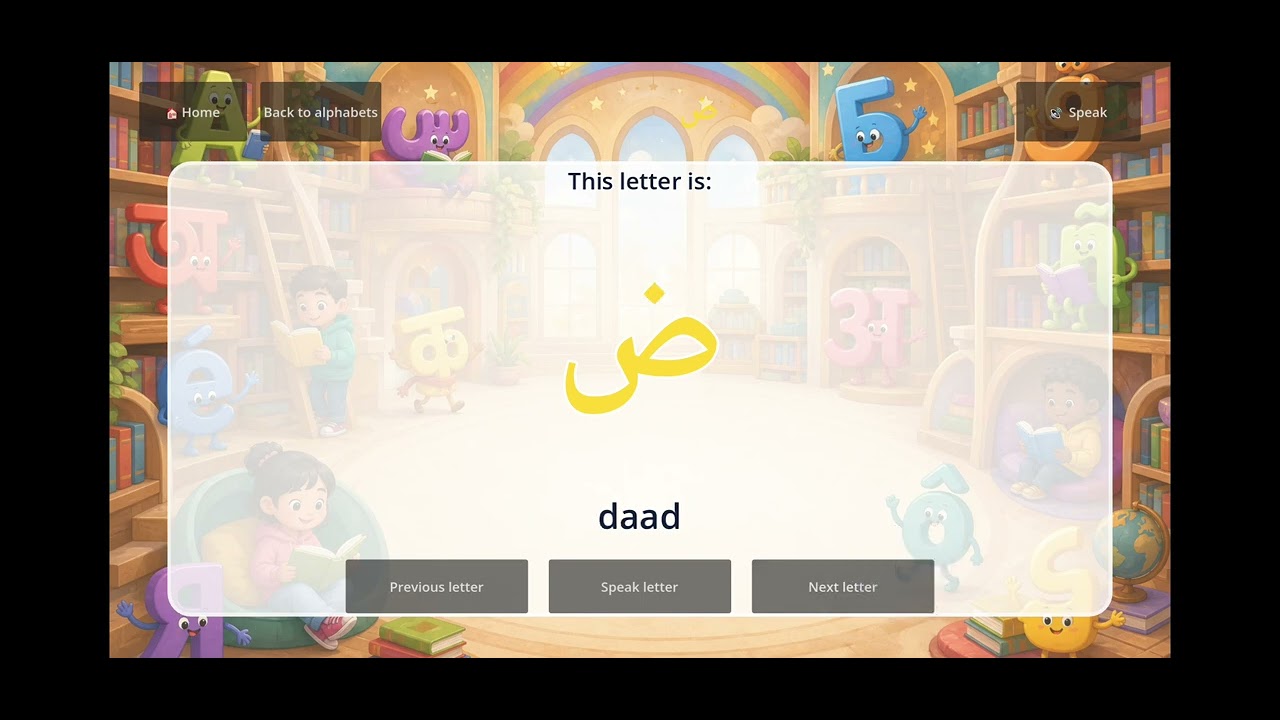
The app currently contains alphabet collections for Bangla, English, Arabic, Hindi, Spanish, French, and Russian. Each writing system is presented in its own characters, rather than being reduced to English spelling.
Seven languages to explore
The number and alphabet activities are available in:
- Bangla — বাংলা
- English
- Arabic — العربية
- Hindi — हिन्दी
- Spanish — Español
- French — Français
- Russian — Русский
Each language has its own colour in the app, making it easier to recognize where you are. Language names, numbers, letters, instructions, and positive feedback are supported by audio or speech where the device allows it.
The story library is currently available in Bangla, English, Hindi, and French. I would rather describe that honestly than suggest every part is finished in every language. This is a living project, and pronunciation and translated wording will continue to need careful human review.
A small library of different kinds of stories
I did not want the story section to contain only one kind of lesson. Children need wonder and adventure, but they also need calm explanations for everyday experiences. The present library includes a classic folktale, social stories, an introduction to time, and an imaginative story that brings science and magic together.
Stories are shown one illustrated page at a time. Each page can be read aloud, replayed, or revisited. Large pictures and focused text keep the experience closer to sharing a picture book than scrolling through a long article.
A classic story: Dalimkumar and Kankaboti
This Bengali folktale brings adventure into the library: a brave prince, a winged horse, mythical birds, a dangerous journey, and a clever princess who helps break the spell herself. It connects the app to a storytelling tradition that can be shared across generations.

Science told with magic: Mother Nature and the Big Bang
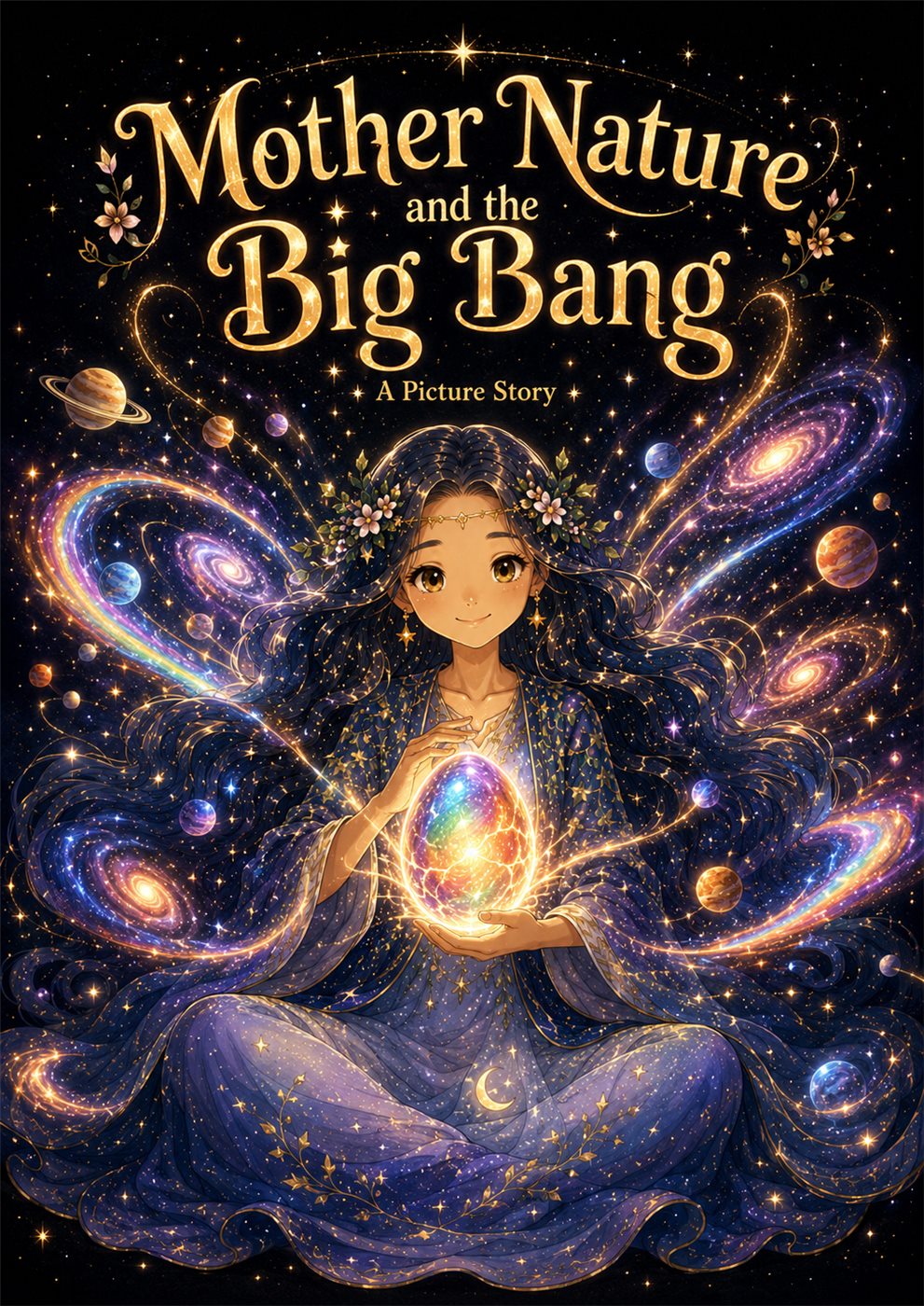
This story begins in darkness, before stars and planets, with Mother Nature holding a glowing silver egg. Its hatching becomes an imaginative way to talk about the beginning of the universe—space, light, energy, motion, planets, and wonder. It does not treat science and imagination as enemies; it uses the language of a picture book to make a very large idea approachable.
Social stories for everyday life
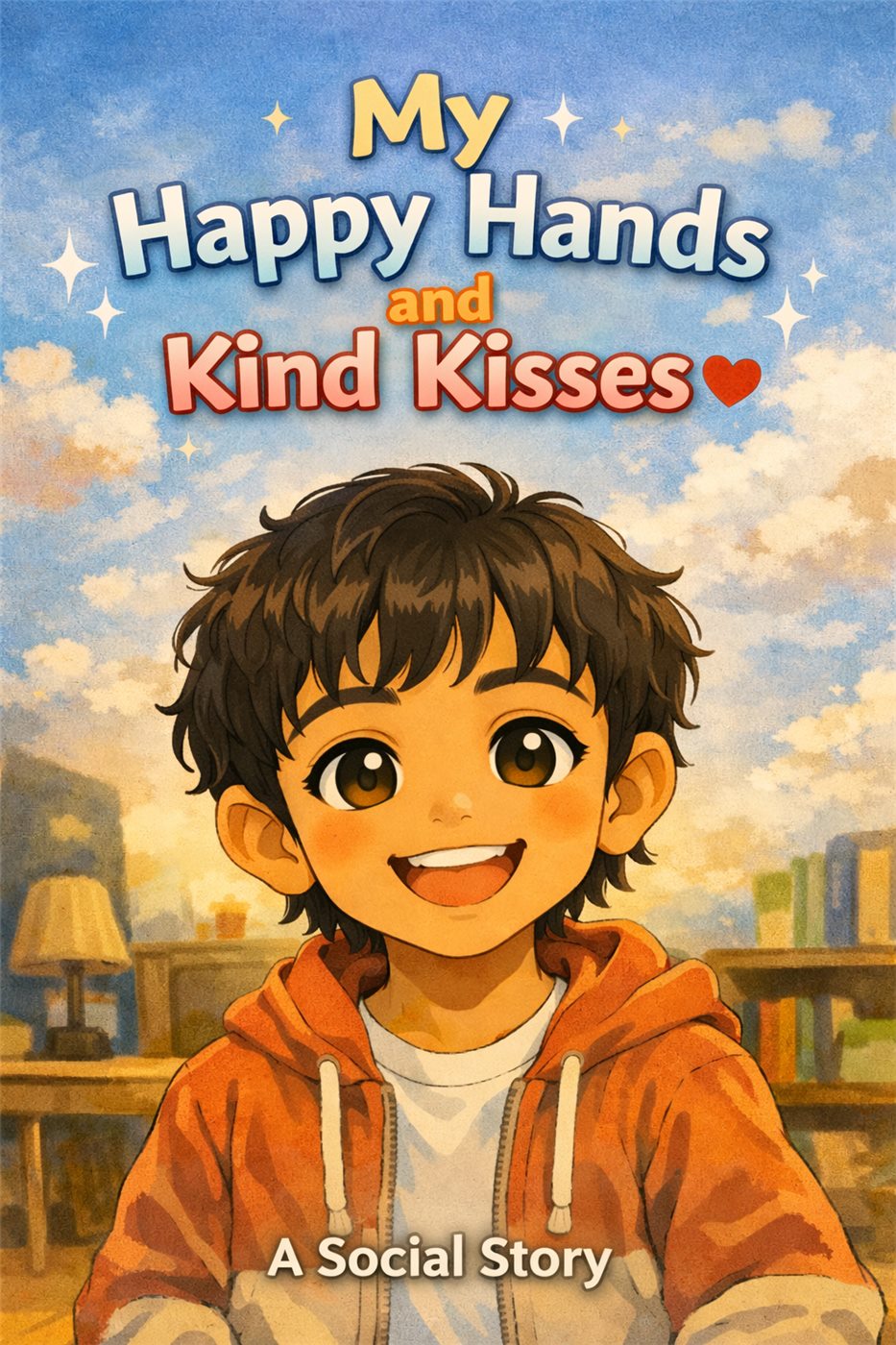
The social stories make invisible expectations more visible. My Happy Hands and Kind Kisses helps a child understand excitement, affection, consent, and safe ways to show care. Another story gently explains learning to use the toilet, including what the body is doing and the steps involved.
These are not tests. They are calm, repeatable explanations that a child can return to without embarrassment or pressure.
Understanding time
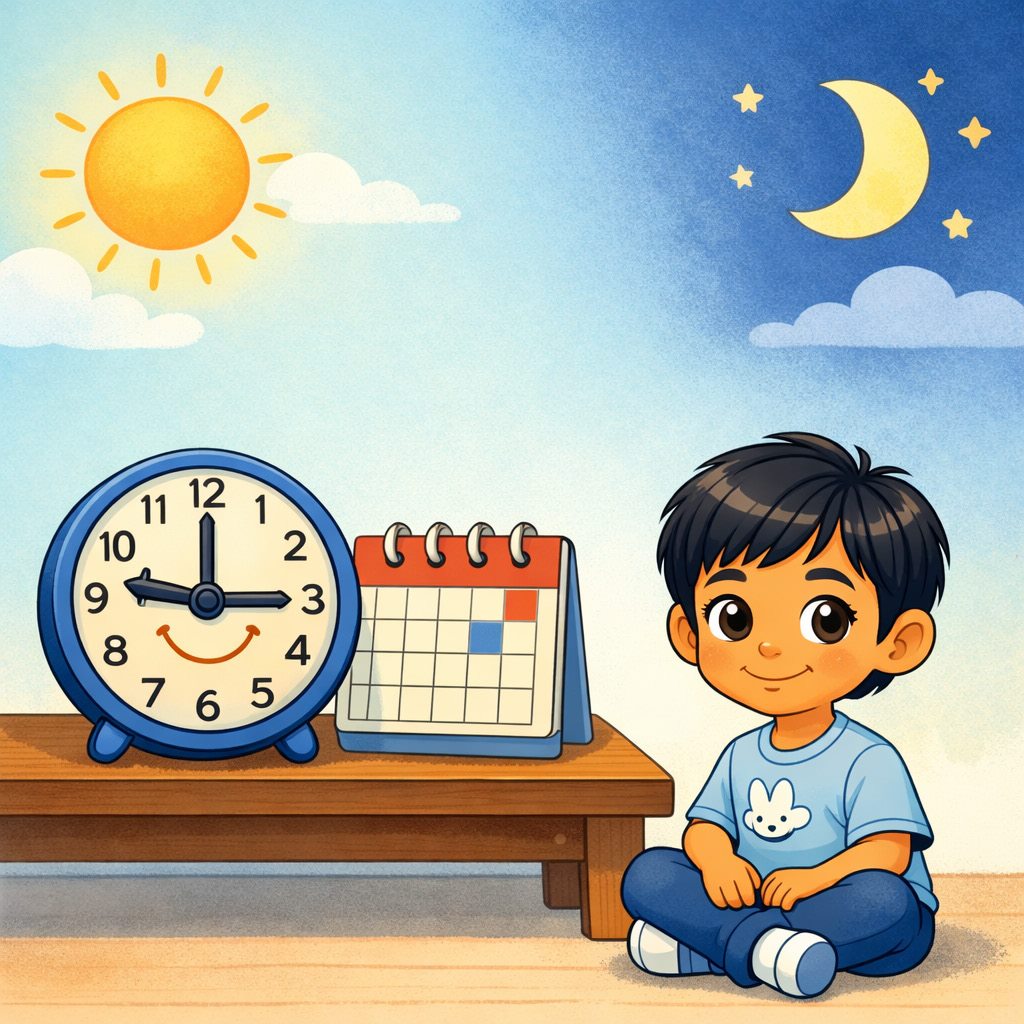
Time introduces past, present, and future, and explains why people use clocks, timers, calendars, and schedules. It also acknowledges something children often feel: waiting can seem slow, while enjoyable moments can seem fast, even though time itself keeps moving steadily forward.
Designed to feel gentle
The app is bright and playful, but its structure is deliberately simple. Large buttons support small hands. Spoken prompts support children who are still learning to read. Clear home and back buttons make it possible to recover from a wrong tap. Activities do not use scores, advertising, purchases, lives, or punishment.
The main design principles are:
- let the child choose a language and activity;
- keep each screen focused on one task;
- combine seeing, hearing, counting, touching, and reading;
- make mistakes safe and easy to correct;
- let stories be replayed as often as needed;
- keep progress locally on the device; and
- make the core learning content usable offline.
What making it taught me
This app is both a learning tool and a record of my own learning. While making it, I worked through interface design, multilingual text, right-to-left and non-Latin scripts, audio handling, Android packaging, responsive layouts, file organization, testing, and the patient process of fixing one problem at a time.
It is not a finished statement about education, and it is not meant to replace a teacher, therapist, or parent. It is a personal project shaped around real learning moments: something useful, revisable, and made with care.
Current release
Version 10 is available as an Android APK. The app is still evolving, and I plan to keep improving the language review, stories, audio, accessibility, and small details that make independent use easier.
Inside the app
Learning across languages
Numbers 1 to 20
A focused number set that keeps early learning clear and manageable.
Seven languages
Demonstrations include Bangla, English, Arabic, Hindi, Spanish, French, and Russian.
Visual and spoken learning
Color, sound, and interaction work together to make each idea easier to recognize.
Android release
Download Numbers
Version 10 is provided as an APK for Android devices. Google may show a large-file warning before the download begins because the file is too large for its automatic virus scan.
This app is not installed through Google Play. Android may ask you to allow installation from your browser or file manager. Install only if you intended to download this app from this website.
Video demonstrations
See the learning activities
The players use YouTube's privacy-enhanced mode and load only as they approach the screen.